
Markour
Draw. Collaborate. Create.
A beautiful real-time whiteboard for iPhone and iPad. Sketch with natural brushes, add text and images, and create together with friends — every stroke appears live, the moment it happens.
Everything you need
A complete creative toolkit
Powerful tools wrapped in a clean, intuitive canvas — built to feel effortless on every device.
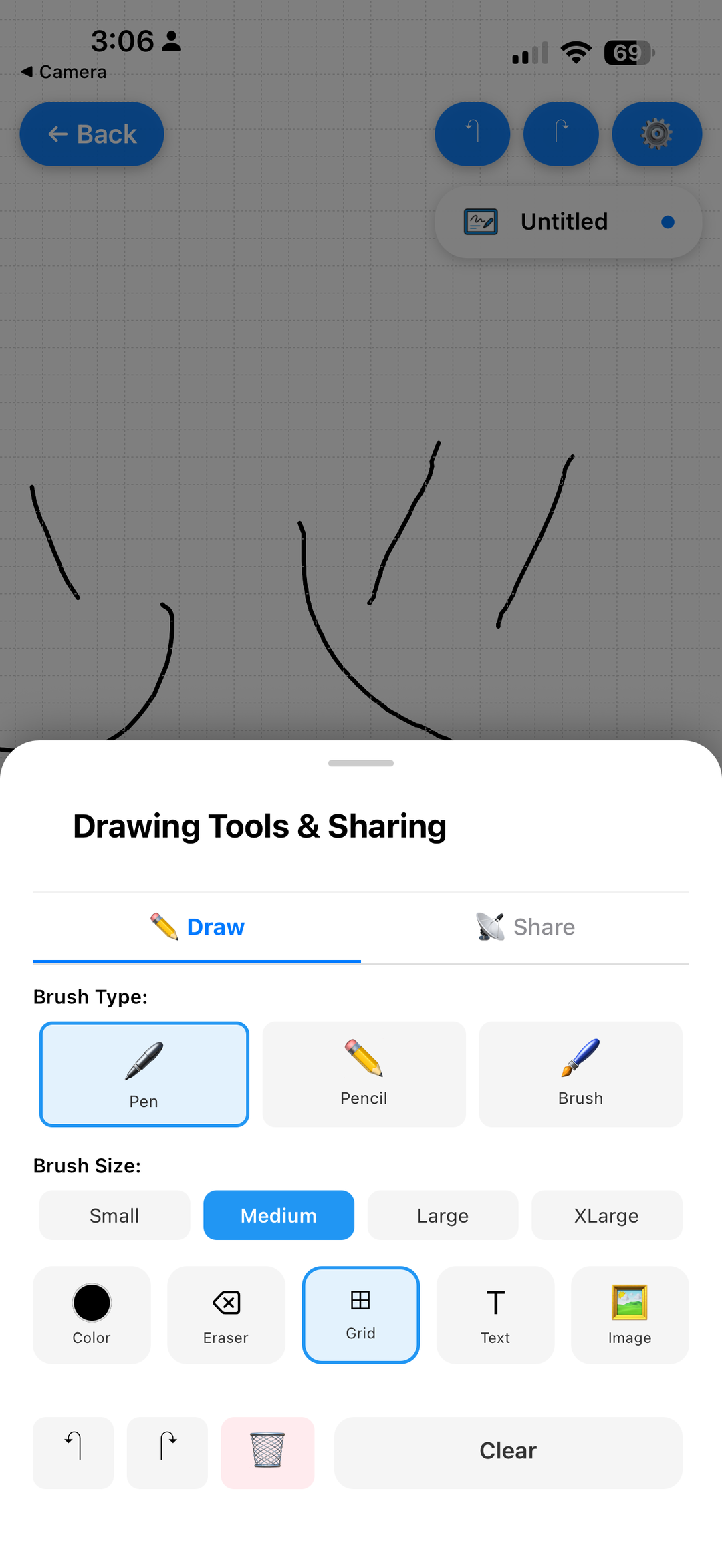
Three Natural Brushes
Switch between Pen, Pencil, and Brush — each with its own feel for sketching, writing, or painting.
Full Color Picker
Pick any color and choose from four brush sizes — Small, Medium, Large, and XLarge.
Smart Grid Canvas
Toggle a precision grid for neat diagrams, handwriting, and pixel-perfect layouts.
Text & Typography
Drop crisp text anywhere on the board to label, annotate, and explain your ideas.
Insert Images
Bring in photos and reference images, then draw and mark up right on top of them.
Unlimited Undo & Redo
Experiment freely — full history lets you step back and forward without fear.
Multi-Tab Boards
Keep several whiteboards open at once and jump between projects in a tap.
Save to Gallery
Export your artwork to your photo library in full resolution, instantly.
Better together
Create with friends,
in real time
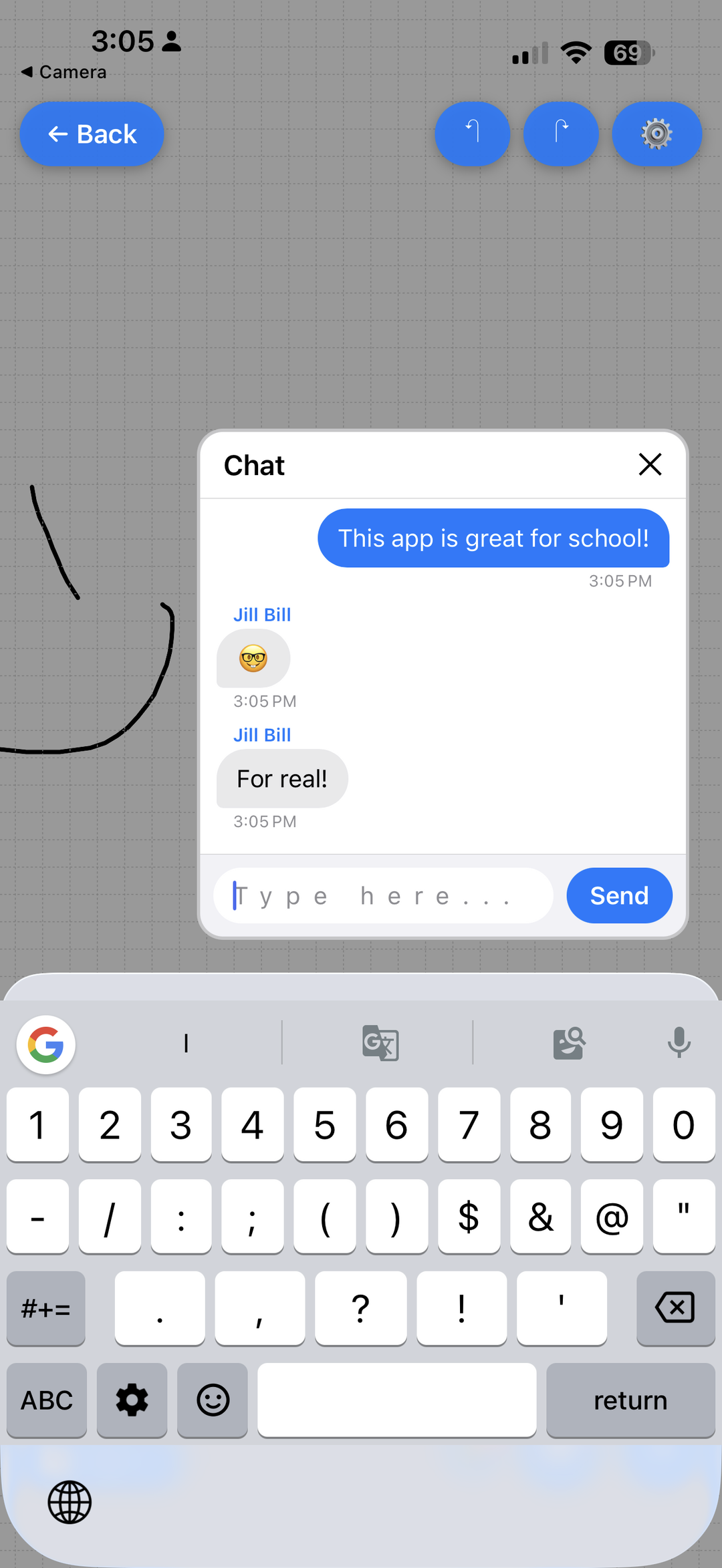
Invite anyone to your board and watch ideas come alive together. See live cursors as people draw, chat in the built-in messenger, and keep everyone on the same page — literally.
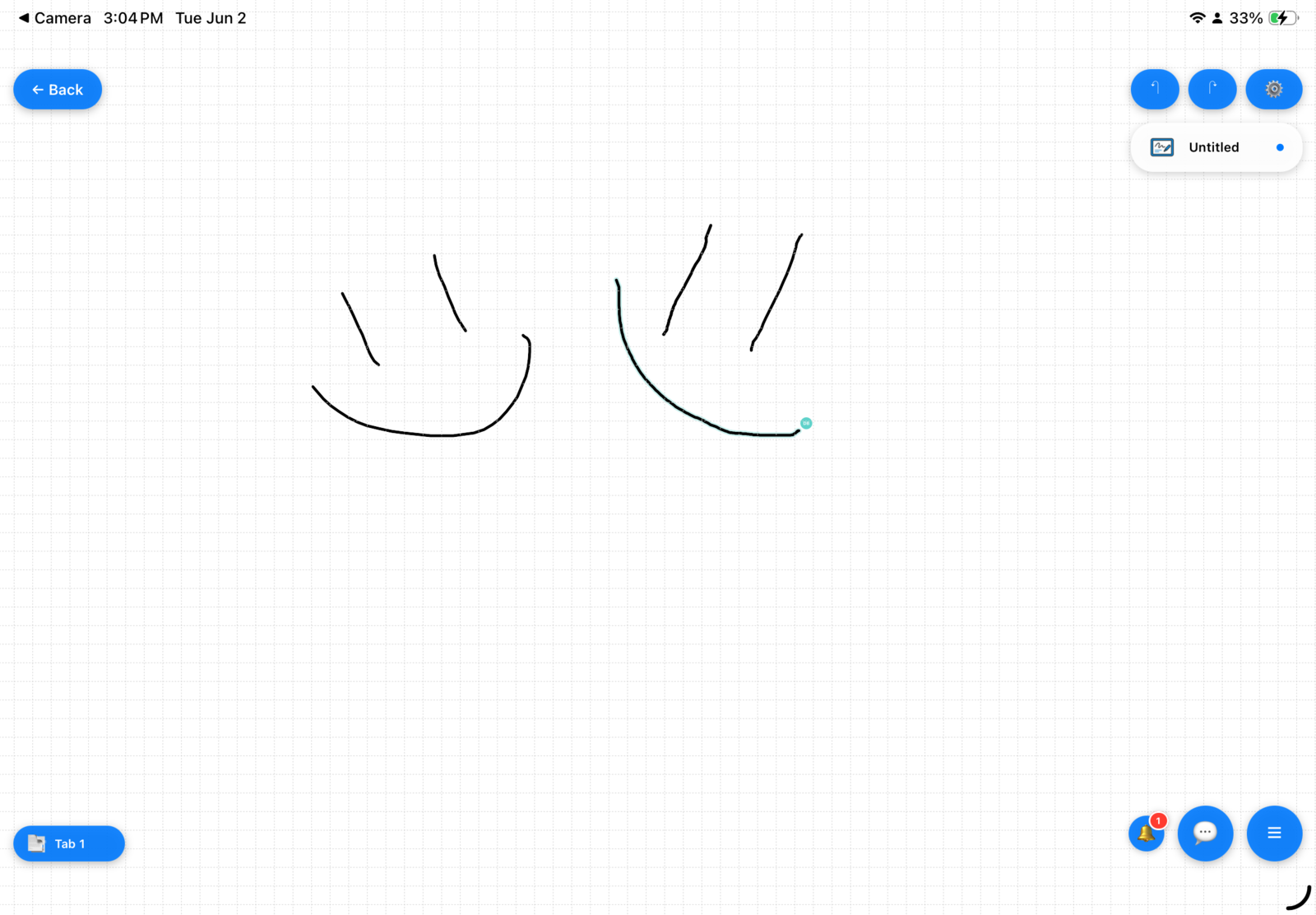
Live cursors
See exactly where everyone is drawing as it happens.
Built-in chat
Talk through ideas without ever leaving the canvas.
Shared tabs
Organize work across multiple synced boards.
Made for iPad
An infinite canvas at your fingertips
Markour shines on the big screen. Spread out, sketch precisely, and use every tool with room to breathe — perfect for Apple Pencil, classrooms, and design sessions.
A closer look
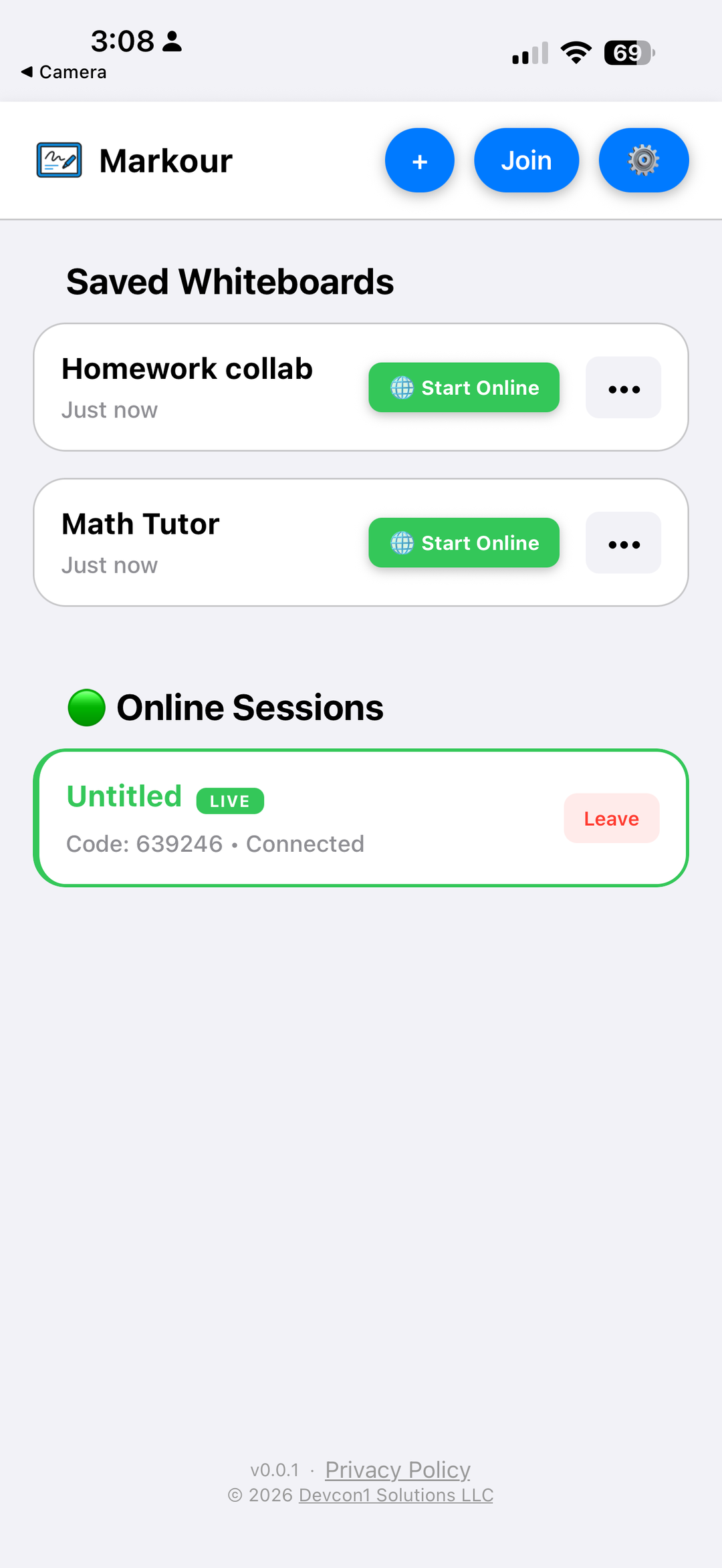
Beautiful on every screen
Safe, respectful spaces
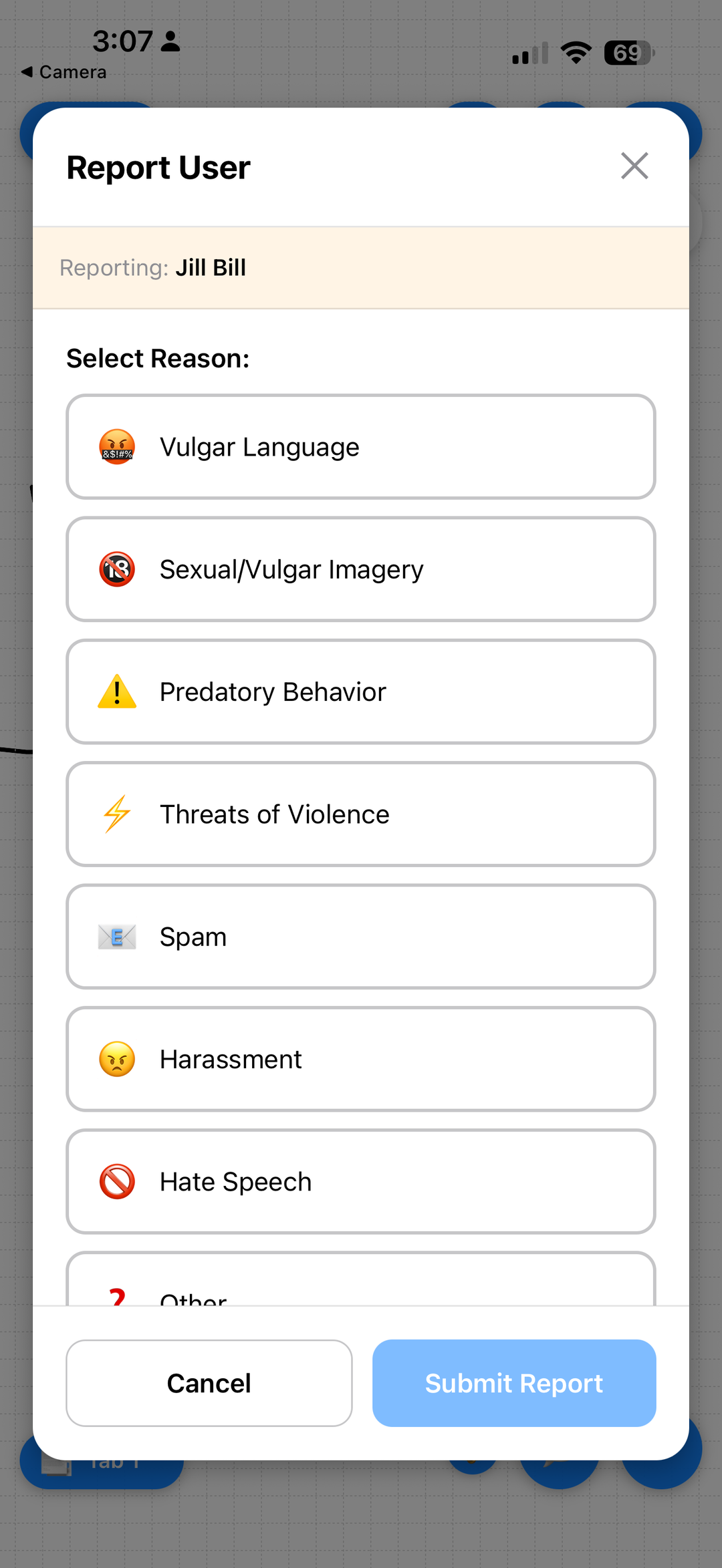
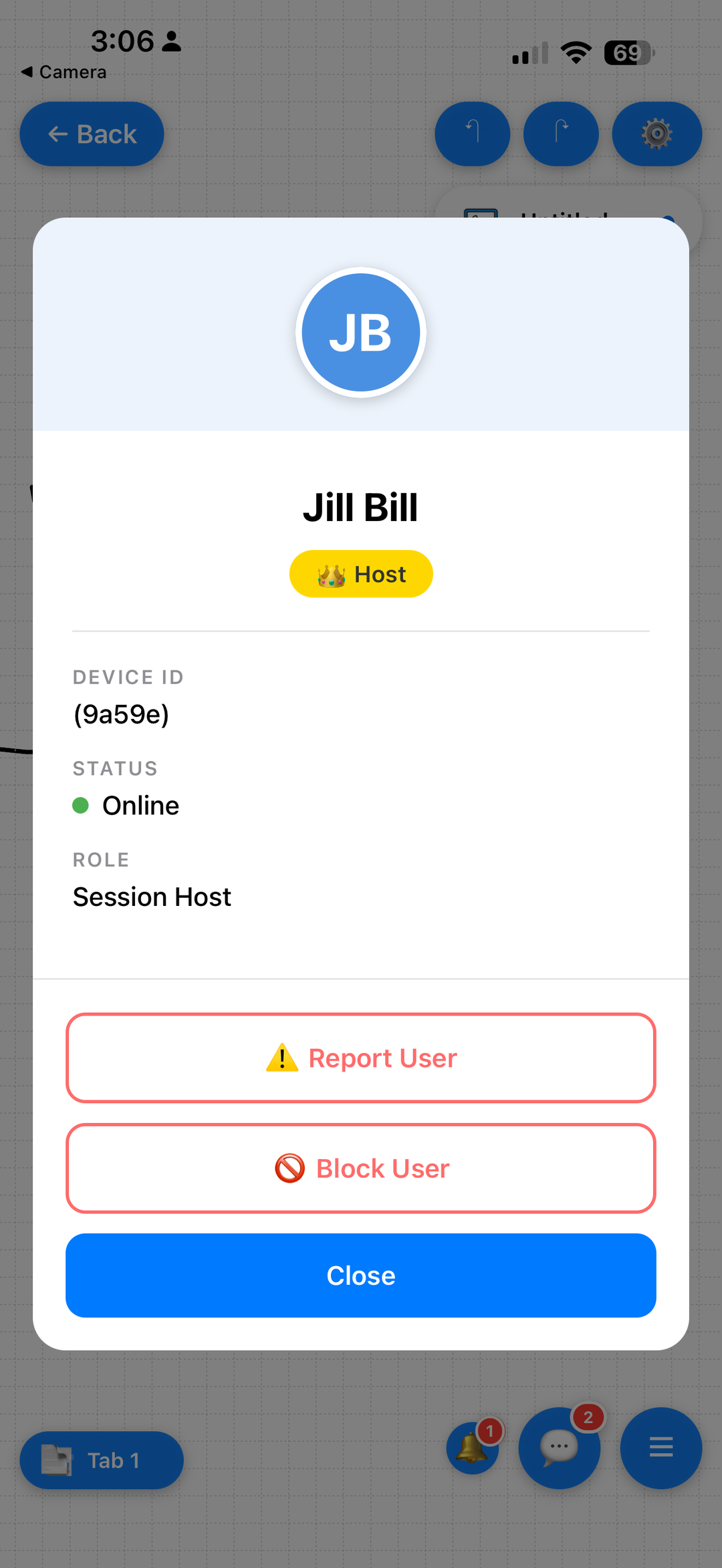
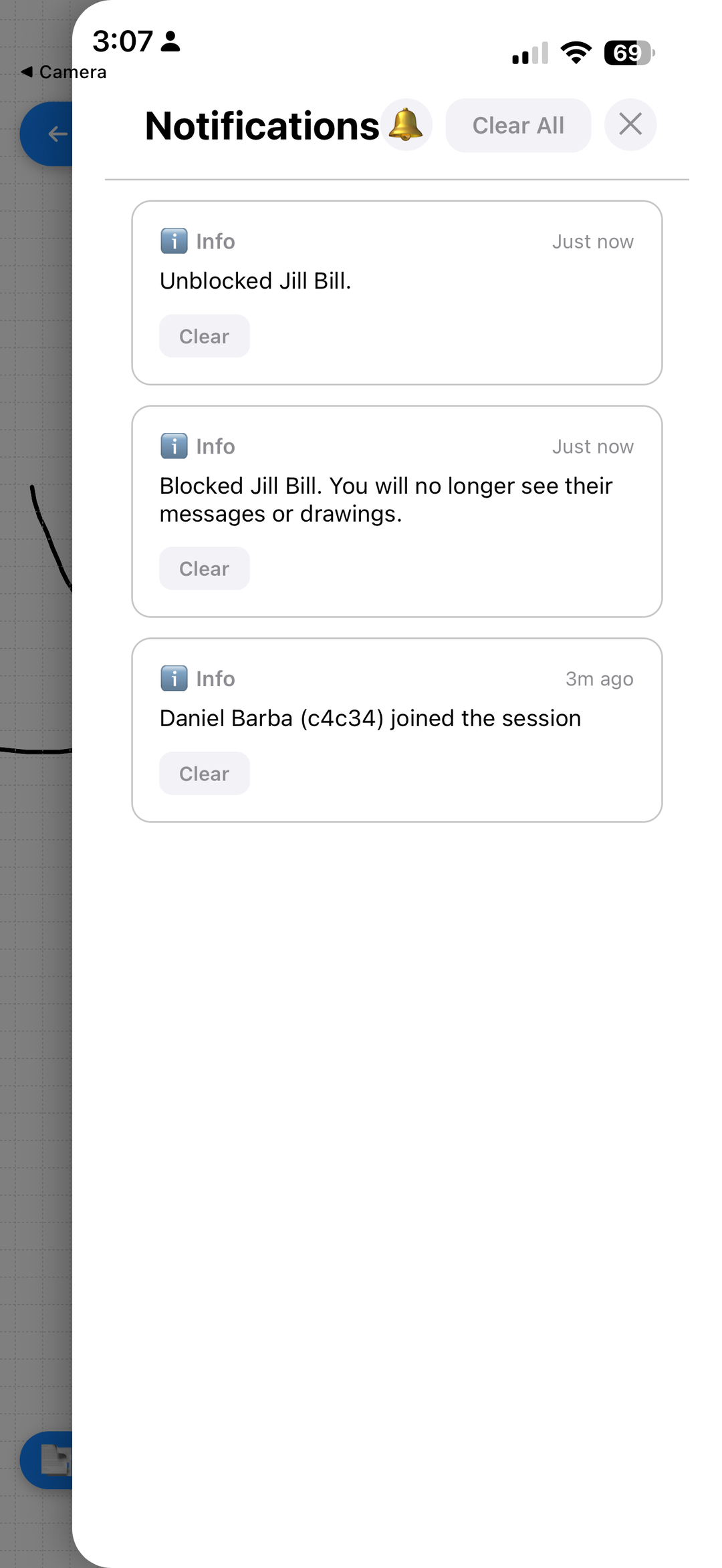
Collaboration should feel welcoming. Markour includes built-in moderation, easy in-app reporting, and clear community standards so everyone can create with confidence.
Made for the way you work
One canvas, endless uses
School & Study
Solve problems, take visual notes, and study together in real time.
Brainstorming
Sketch ideas with your team on an infinite shared canvas.
Art & Design
From quick doodles to detailed illustrations with natural brushes.
Teaching
Explain concepts live while students watch every stroke appear.

Ready to create together?
Markour is launching soon on the App Store for iPhone and iPad. Draw, collaborate, and create — wherever inspiration strikes.